Technical SEO for Developers
SEO isn't a marketing dark art — most of it is an engineering problem. Here's the technical foundation that actually moves the needle.
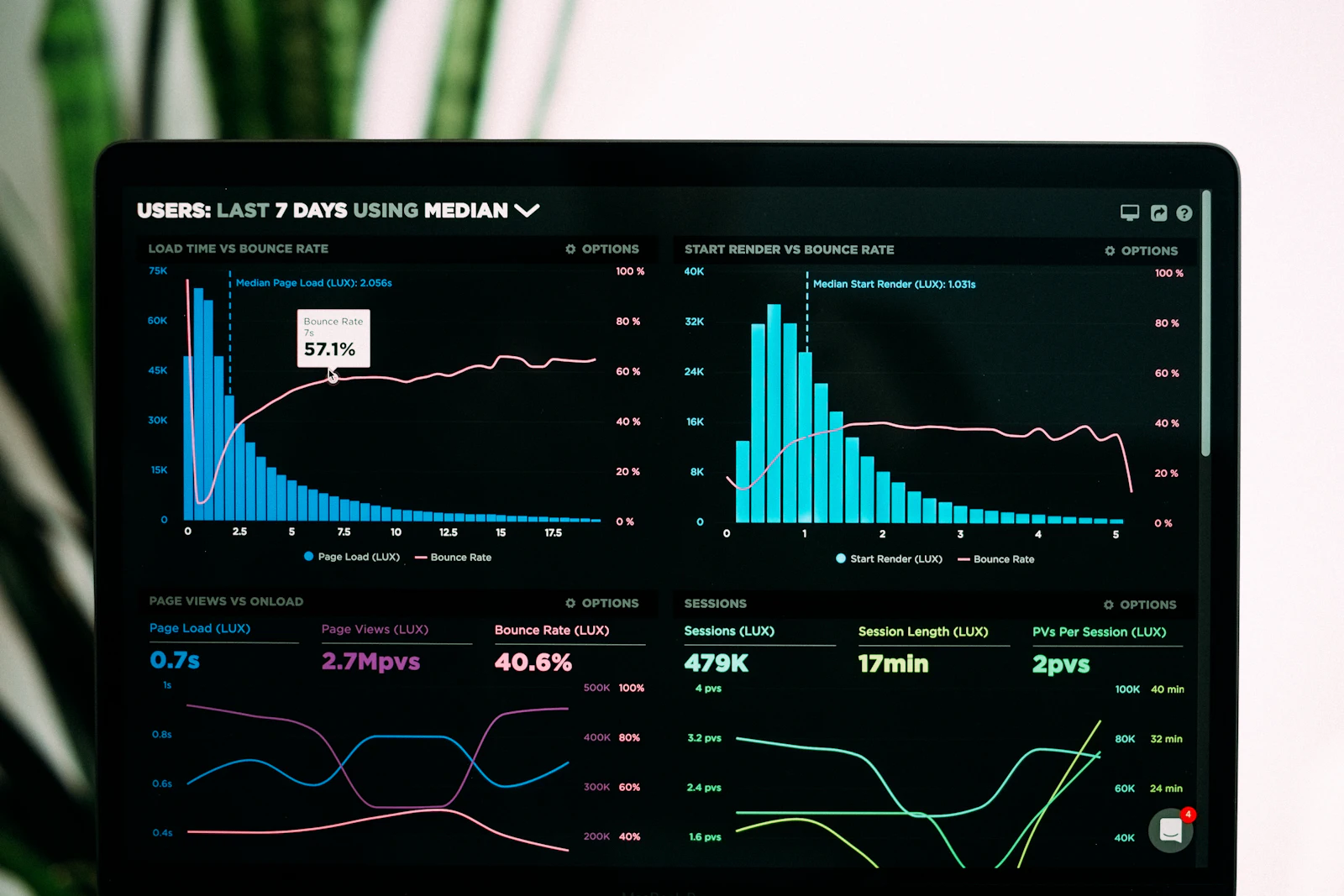
Developers tend to treat SEO as someone else’s job — a marketing concern involving keywords and vibes. But the highest-leverage parts of SEO are pure engineering: how fast your page renders, whether crawlers can reach your content, and how clearly your markup describes what’s on the page. This is work that lives in the codebase, and it’s work developers are uniquely good at.
This is part two of a three-part series. It builds directly on Semantic HTML Is a Superpower — clean structure is the substrate everything here sits on.
Core Web Vitals: speed as a ranking signal
Google measures real-user performance through Core Web Vitals, and they’re a confirmed ranking factor. There are three, and as of 2024 the lineup changed — INP replaced FID (First Input Delay) on March 12, 2024 as the responsiveness metric. The current “good” thresholds, measured at the 75th percentile of real visits:
| Metric | Measures | Good |
|---|---|---|
| LCP (Largest Contentful Paint) | Loading — when the biggest element renders | ≤ 2.5s |
| INP (Interaction to Next Paint) | Responsiveness — lag from input to visual response | ≤ 200ms |
| CLS (Cumulative Layout Shift) | Visual stability — how much the layout jumps | ≤ 0.1 |
The 75th-percentile detail matters: you don’t pass by being fast for some users. 75% of real visits have to clear the bar. A few practical levers:
- LCP: serve a properly sized hero image, preload it, and don’t hide it behind render-blocking JS. Static HTML with no hydration step is already most of the way there.
- INP: keep the main thread free. Break up long tasks, debounce expensive handlers, and don’t ship a megabyte of JavaScript to render text.
- CLS: reserve space. Always set
width/height(oraspect-ratio) on images and media so content doesn’t shift as assets load.
<!-- Reserving space kills layout shift before it happens -->
<img src="/hero.jpg" alt="…" width="1200" height="675">
Lab vs. field — measure the right thing
A crucial gotcha: there are two kinds of performance data and they answer different questions. Lab data (a single synthetic run in Lighthouse) is great for debugging — reproducible, detailed, instant. But Google ranks on field data: anonymized real-user measurements from the Chrome User Experience Report (CrUX), the same data surfaced in PageSpeed Insights and Search Console. A page can score 100 in Lighthouse and still fail in the field because real users are on slower devices and networks. Optimize against the field numbers; use the lab to find out why.
Crawlability: can the bot even reach it?
The fastest page in the world earns nothing if crawlers can’t index it. The fundamentals:
robots.txt— don’t accidentallyDisallowcontent you want indexed. It’s the first thing a crawler reads. (Note:robots.txtcontrols crawling, not indexing — to keep a page out of results, use anoindexmeta tag instead.)- An XML sitemap — list your canonical URLs so nothing important gets missed.
- Clean, stable URLs —
/blog/semantic-htmlbeats/p?id=42. Readable URLs are a small, durable ranking and usability win. - Correct status codes — 200 for real pages, 301 for permanent moves, a real 404 for missing ones. Don’t return 200 on an error page (“soft 404s” confuse crawlers).
- One canonical per page — use
<link rel="canonical">to point duplicate or parameterized URLs at the version you want indexed.
<link rel="canonical" href="https://example.com/blog/semantic-html">Rendering: the JavaScript tax
How your content reaches the browser determines how reliably it gets indexed. With server-side rendering or static HTML, the content is right there in the response — the crawler sees it immediately. With client-side rendering, the HTML arrives nearly empty and JavaScript fills it in. Google can render JS, but it does so on a second pass that can lag, and other crawlers (including most AI bots) often don’t run JS at all. The safe rule: anything that matters for discovery should exist in the server-rendered HTML, not appear only after hydration. This becomes critical in part three.
Structured data: tell search engines what the page is
Semantic HTML tells a crawler how a page is organized. Structured data (schema.org, written as JSON-LD) tells it what the page means — that this is an article, by this author, published on this date; that this is an organization that knows about these topics.
It’s the difference between a crawler inferring and you declaring. Declared facts power rich results (those enhanced listings with ratings, FAQs, breadcrumbs) and feed the entity graph that AI answers draw on. The schema types that earn their keep in 2026:
- Organization — your brand, logo, and crucially the
knowsAboutproperty listing the topics you have genuine expertise in. Entity-level markup like this is among the highest-leverage changes you can make. - Article / BlogPosting — for editorial content like this post.
- BreadcrumbList — your navigation hierarchy.
- FAQPage, Product, LocalBusiness — where they genuinely apply.
<script type="application/ld+json">
{
  "@context": "https://schema.org",
  "@type": "BlogPosting",
  "headline": "Technical SEO for Developers",
  "author": { "@type": "Person", "name": "Vance" },
  "datePublished": "2026-06-06"
}
</script>
Structured data is the one place where being explicit beats being clever. Don’t make the machine guess what you can simply state.
Always validate your markup with the Rich Results Test and the Schema Markup Validator — a typo in your JSON-LD fails silently, earning you nothing. And the payoff has widened: the same JSON-LD that earns a rich snippet is read by Gemini, ChatGPT, and Perplexity when they assemble answers. One implementation, two audiences — which is exactly the bridge to part three.
The metadata that still matters
Not glamorous, but it’s the text users actually see in results and social shares:
- A unique, descriptive
<title>per page (roughly 50–60 characters). - A meta description that earns the click — it isn’t a ranking factor, but it is your ad copy in the results page.
- Open Graph and Twitter Card tags so shared links render with a title, description, and image instead of a bare URL.
The developer’s SEO checklist
- Pass Core Web Vitals at the 75th percentile (LCP ≤ 2.5s, INP ≤ 200ms, CLS ≤ 0.1) — on field data.
robots.txtand an XML sitemap are present and correct.- Clean URLs, correct status codes, one canonical per page.
- Important content is in the server-rendered HTML, not JS-only.
- JSON-LD structured data for your real entity types, validated.
- Unique titles, descriptions, and Open Graph tags on every page.
- It all sits on semantic HTML.
None of this requires a marketing budget — just the discipline to treat discoverability as part of the build. Do it once, correctly, and it keeps paying. Technical SEO is only half the picture, though: the other half is content and links — for that side, see how to build SEO from scratch and earn backlinks the honest way.
Further reading
- Google Search Central — Core Web Vitals & search
- web.dev — Web Vitals and the INP launch announcement
- Google — Intro to structured data
- Rich Results Test · Schema Markup Validator
- Google — JavaScript SEO basics
Next in the series: How AI Reads Your Website — because search engines are no longer the only machines reading your pages.